
Get started
How it works for Business? AddSync helps businesses keep all calendars perfectly aligned. The system automatically synchronizes schedules in real time, prevents conflicts, saves time, and improves team coordination across platforms.
Registration
Company configuration
Connect Microsoft Exchange (global connections)
Connect Microsoft Office via Microsoft Graph
Set up access for the user
Assign permissions to the user
Add users
Select the server configuration
Choose calendars to synchronize
Enjoy seamless synchronization
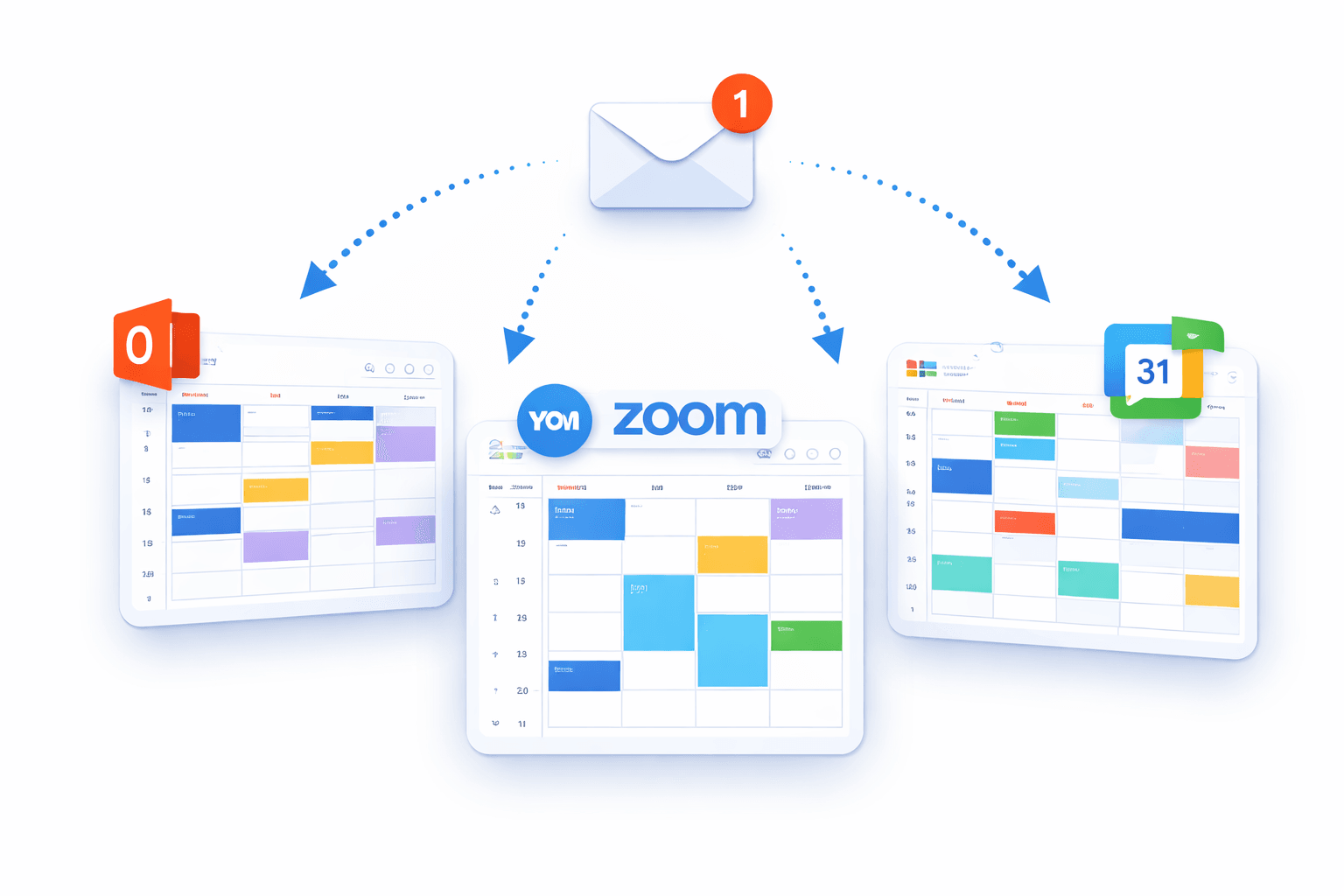
Integrate — Connect Your Calendars in Minutes
How it works for Business? Seamlessly integrate all major calendar platforms including Google Calendar, Microsoft Outlook, Exchange Server, and Office 365.
No complex setup, no manual configuration — just secure, guided onboarding.
Benefits:
- Fast onboarding
- Secure OAuth authentication
- Enterprise-ready integrations
- No technical knowledge required
FAQ
How it works for Business
What is AddSync?
AddSync is a tool for real-time synchronization of calendars between Google Calendar, Office 365, Exchange, and iCalendar. It is designed for businesses, teams, and individual users. Learn more.
How does AddSync work?
AddSync connects your calendar accounts and keeps them automatically synchronized. Updates made in one calendar appear in connected calendars instantly.
Which calendars can I sync with AddSync?
AddSync works with Google Calendar, Office 365, Exchange, and iCalendar, ensuring smooth synchronization across multiple platforms.
Does AddSync sync in real-time?
Yes. AddSync synchronizes events and updates in real-time or near real-time to prevent scheduling conflicts.
Can I sync multiple accounts at once?
Yes. AddSync supports unlimited calendar connections across multiple accounts, keeping all your calendars synchronized in one place.
What is the difference between one-way and two-way synchronization?
One-way sync updates only the target calendar from the source. Two-way sync updates all connected calendars when changes are made in any of them.
Can AddSync synchronize tasks and contacts?
Yes. Besides calendar events, AddSync can synchronize tasks and contacts, making time and team management more efficient.
Is AddSync secure?
Yes. AddSync uses advanced security measures and follows best practices to protect your data. See security details.
How do I start using AddSync?
Create an account on the AddSync website, connect your calendars, set synchronization rules, and AddSync will start syncing automatically.
Does AddSync offer a free trial?
Yes. AddSync offers a free trial (e.g., 14 days) to test all features before subscribing. Start free trial.
