








Keep calendars, contacts, and tasks perfectly synchronized across all your tools
Real-time data synchronization for teams using multiple systems — without manual updates or conflicts
- No credit card required
- Setup in minutes
- Built for secure business data sync
Trusted by +12,000 Customers
Trusted by many global companies


Sync your calendars, avoid scheduling conflicts
Google Calendar Synchronization
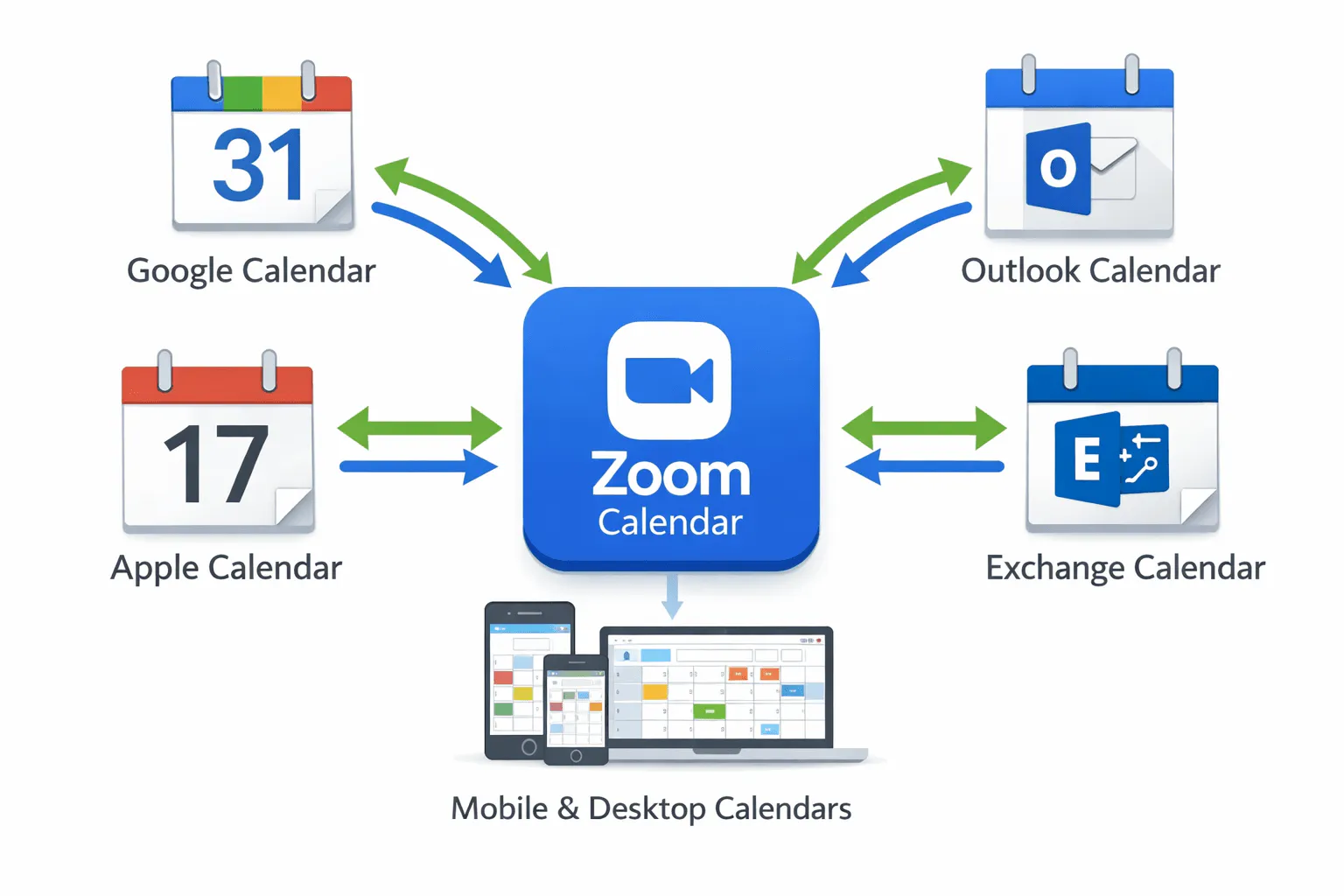
Sync Google Calendar with Outlook, Exchange, iCalendar, CRM or Apple systems, and business apps in real time.
Read more
Outlook Calendar Synchronization
Keep Outlook perfectly synchronized with Google Calendar, Exchange and internal scheduling tools.
Read more
Calendar Synchronization API
Add enterprise-grade calendar synchronization to your product using SyncManager API.
Read more
Get Quote
Contact us to personalize your offer:
Phone: +4477 00 183718
Contact form: Get quote
or Chat
Your tools don’t sync. Your team pays the price.
Most teams rely on multiple systems that don’t communicate properly. The result is broken workflows, duplicated work, and inconsistent data across calendars, contacts, and tasks.
One sync layer for all your business tools
Add-Sync connects your systems and keeps calendars, contacts, and tasks continuously aligned — in real time and without manual effort.
Keep every calendar perfectly in sync
Synchronize Google, Outlook, and other calendars automatically across systems with zero conflicts or missed events. Eliminate double bookings, outdated schedules, and manual updates across your entire organization.
Secure, real-time synchronization built for business-critical workflows. No more manual updates. No more inconsistent data.
One source of truth for all your contacts
Automatically sync contacts across CRM systems, email platforms, and devices in real time. No duplicates, no outdated data — just clean, consistent contact information everywhere your team works.
Secure, real-time synchronization built for business-critical workflows. No more manual updates. No more inconsistent data.
Unify tasks across all your tools instantly
Keep tasks synchronized in real time between apps, platforms, and teams without manual updates. Avoid duplicated work, lost tasks, and misaligned priorities across systems.
Secure, real-time synchronization built for business-critical workflows. No more manual updates. No more inconsistent data.
Set up once. Everything stays in sync automatically
Connect your tools (Google, Outlook, CRM systems, and more)
Define simple sync rules (what data syncs, where, and how)
Add-Sync keeps everything synchronized in real time
Reliable synchronization for business-critical workflows
- Real-time data synchronization
- Conflict-free updates across systems
- Secure architecture designed for business use
- Scales with teams and organizations
Designed to eliminate data fragmentation across modern SaaS stacks.
The Next Generation Of Our Calendar Services
Our latest Review
Gwen Johnson
Rameli Andrea
Nelima Frank
Nepoli Dewan
Thomas Olsen
Natalia Froast
AddSync FAQ
What is AddSync?
AddSync is a tool for real-time synchronization of calendars between Google Calendar, Office 365, Exchange, and iCalendar. It is designed for businesses, teams, and individual users. Learn more.
How does AddSync work?
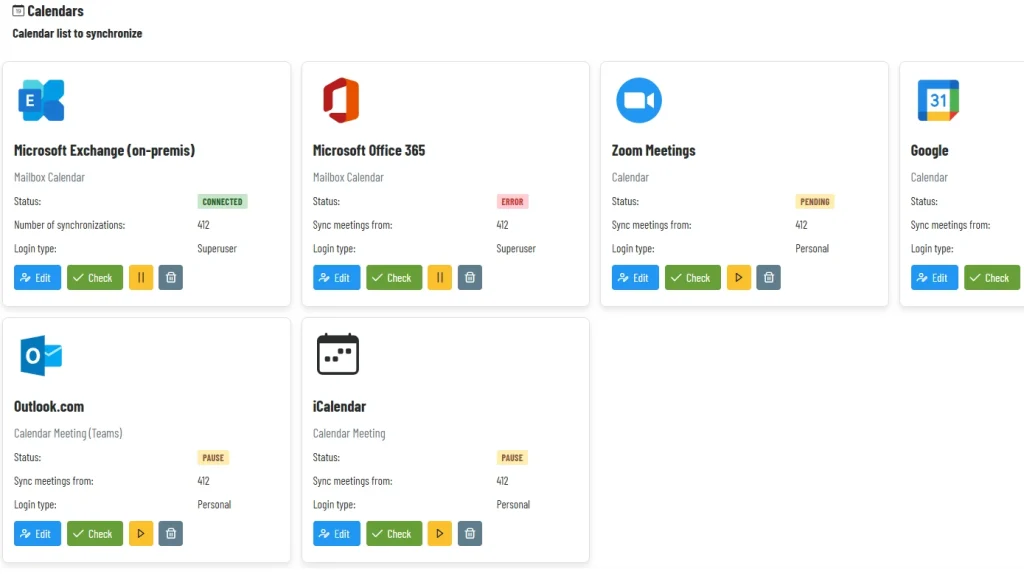
AddSync connects your calendar accounts and keeps them automatically synchronized. Updates made in one calendar appear in connected calendars instantly.
Which calendars can I sync with AddSync?
AddSync works with Google Calendar, Office 365, Exchange, and iCalendar, ensuring smooth synchronization across multiple platforms.
Does AddSync sync in real-time?
Yes. AddSync synchronizes events and updates in real-time or near real-time to prevent scheduling conflicts.
Can I sync multiple accounts at once?
Yes. AddSync supports unlimited calendar connections across multiple accounts, keeping all your calendars synchronized in one place.
What is the difference between one-way and two-way synchronization?
One-way sync updates only the target calendar from the source. Two-way sync updates all connected calendars when changes are made in any of them.
Can AddSync synchronize tasks and contacts?
Yes. Besides calendar events, AddSync can synchronize tasks and contacts, making time and team management more efficient.
Is AddSync secure?
Yes. AddSync uses advanced security measures and follows best practices to protect your data. See security details.
How do I start using AddSync?
Create an account on the AddSync website, connect your calendars, set synchronization rules, and AddSync will start syncing automatically.
Does AddSync offer a free trial?
Yes. AddSync offers a free trial (e.g., 14 days) to test all features before subscribing. Start free trial.
