
Sync Calendars with Teams, Google and Zoom
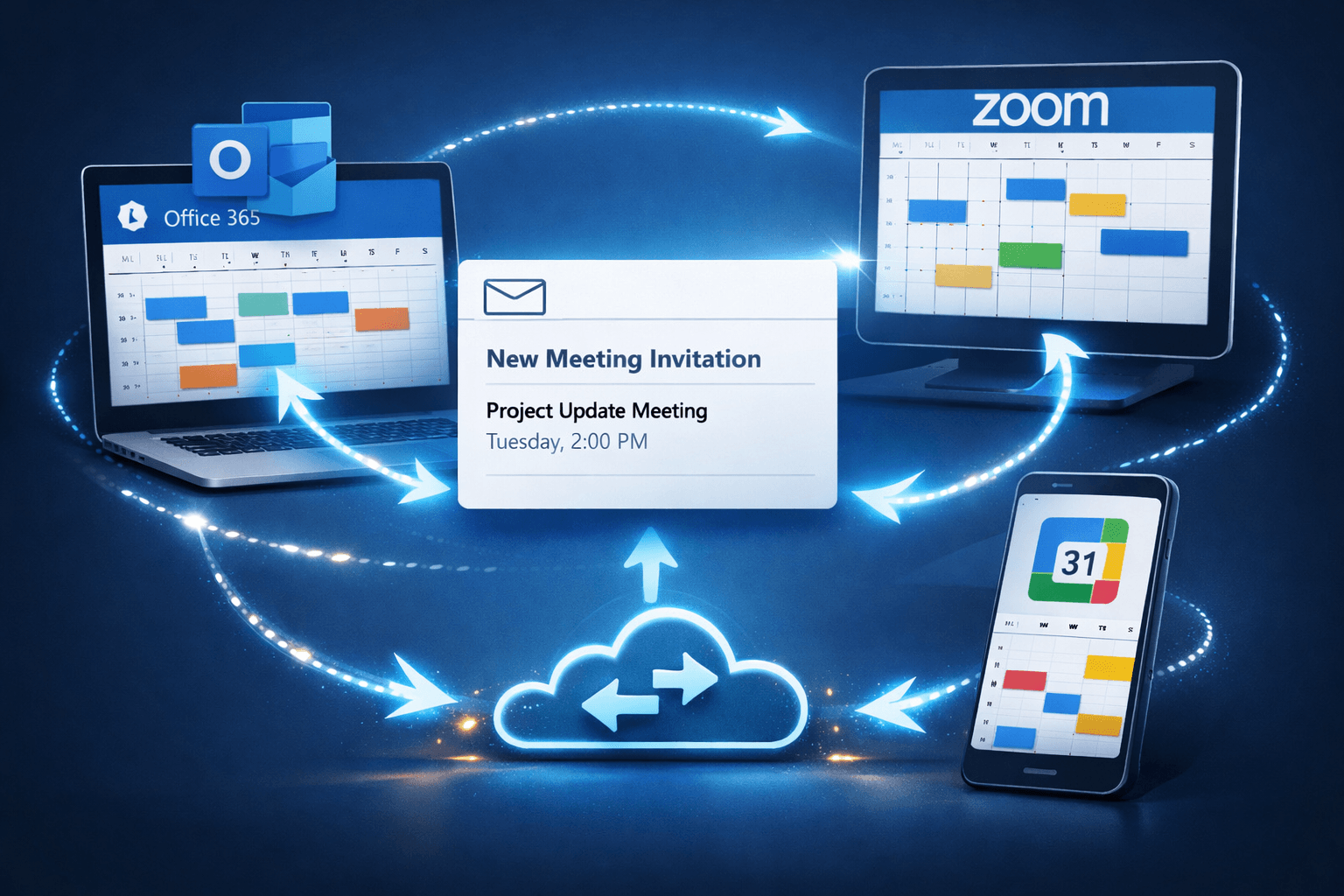
AddSync keeps availability perfectly synchronized in real time, so you and your teams across every organization always see the same accurate schedule in Outlook, Google Calendar, and iCloud. Sync Calendars with Teams, Google and Zoom
One calendar. Zero conflicts. Why AddSync?
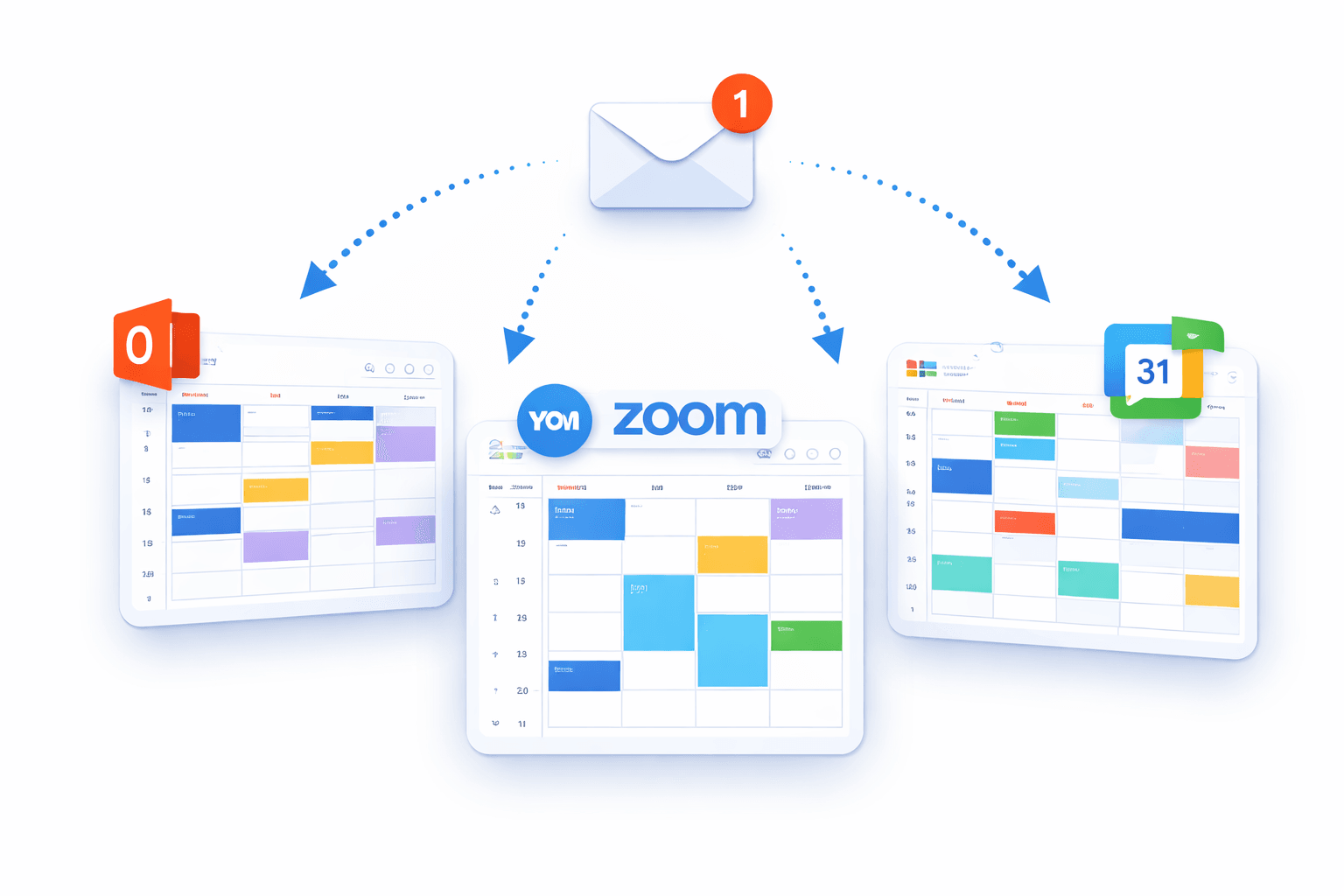
AddSync keeps your calendars perfectly aligned in real time. Sync Google, Outlook, Exchange, and iCalendar automatically, avoid conflicts, save time, and manage schedules effortlessly across all platforms.
One calendar. Zero conflicts. Why AddSync?
AddSync keeps your calendars perfectly aligned in real time. Sync Google, Outlook, Exchange, and iCalendar automatically, avoid conflicts, save time, and manage schedules effortlessly across all platforms.
Supported by SyncManager
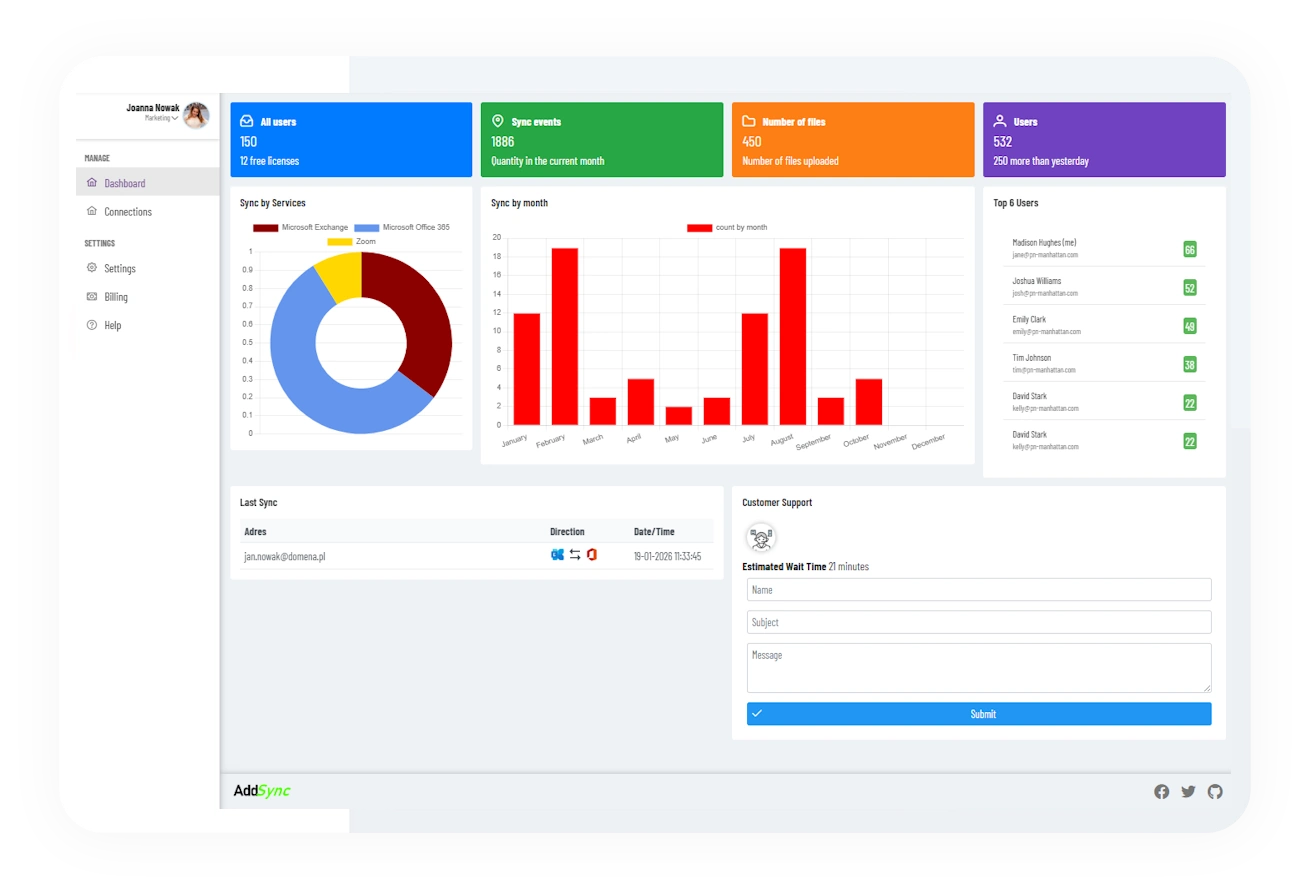
SyncManager is a modern synchronization engine designed to manage calendar data with speed, accuracy, and reliability. It processes events in real time, ensuring consistent updates across all connected calendar services without conflicts or data loss. How it works for Business?
Get calendar syncing up and running in minutes.
Sync Google, Outlook, and iCloud calendars directly from our web portal. No installations, no device setup, no hassle.
For Individuals
Connect accounts
Select Calendars
Set Config
Enjoy the service!
For Business
Connect accounts
Config Connectors
Add Users
Enjoy the service!
Trusted by many global companies